Windows 10 / 11
IPHPhotobooth
Professional Tethering Software
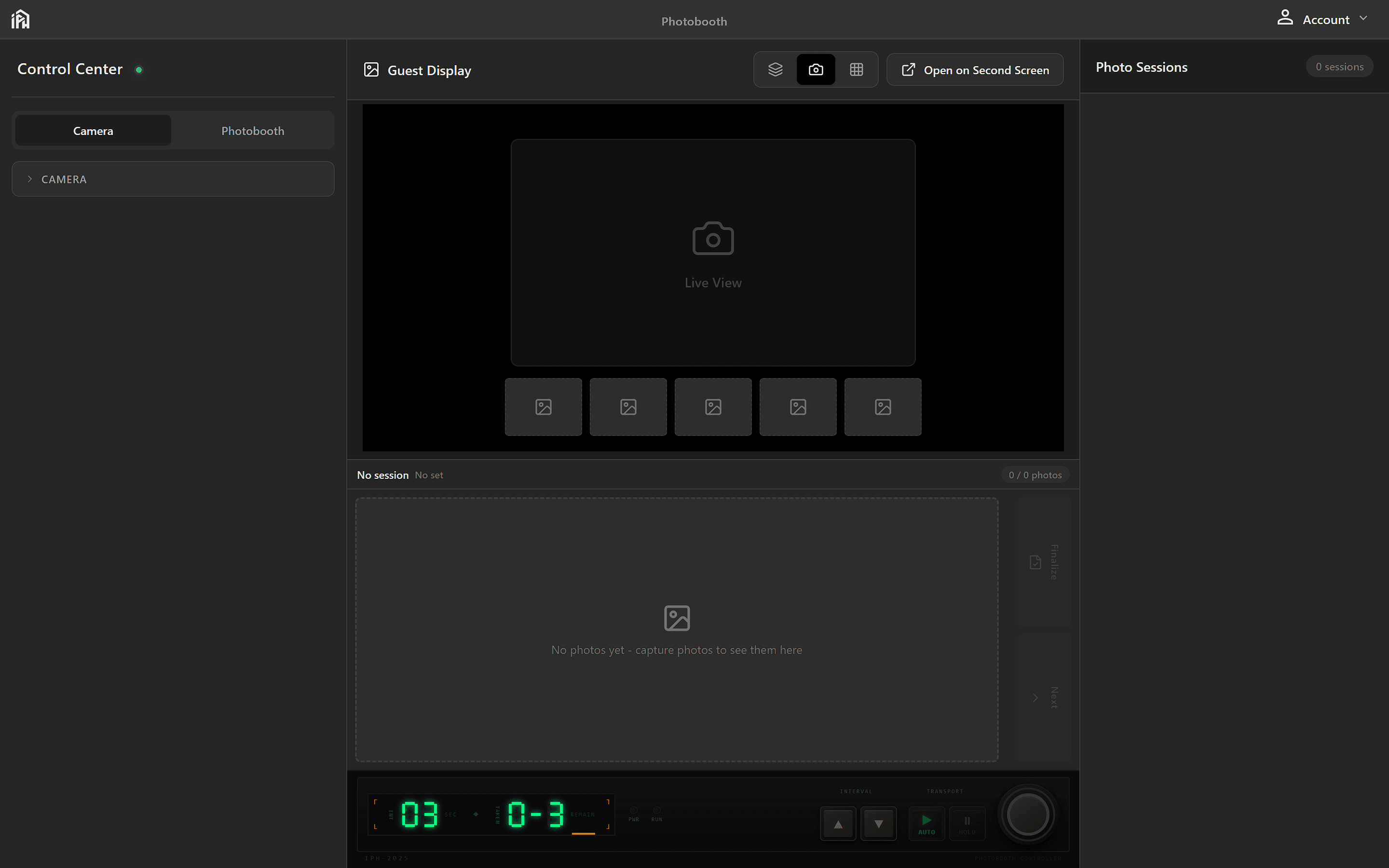
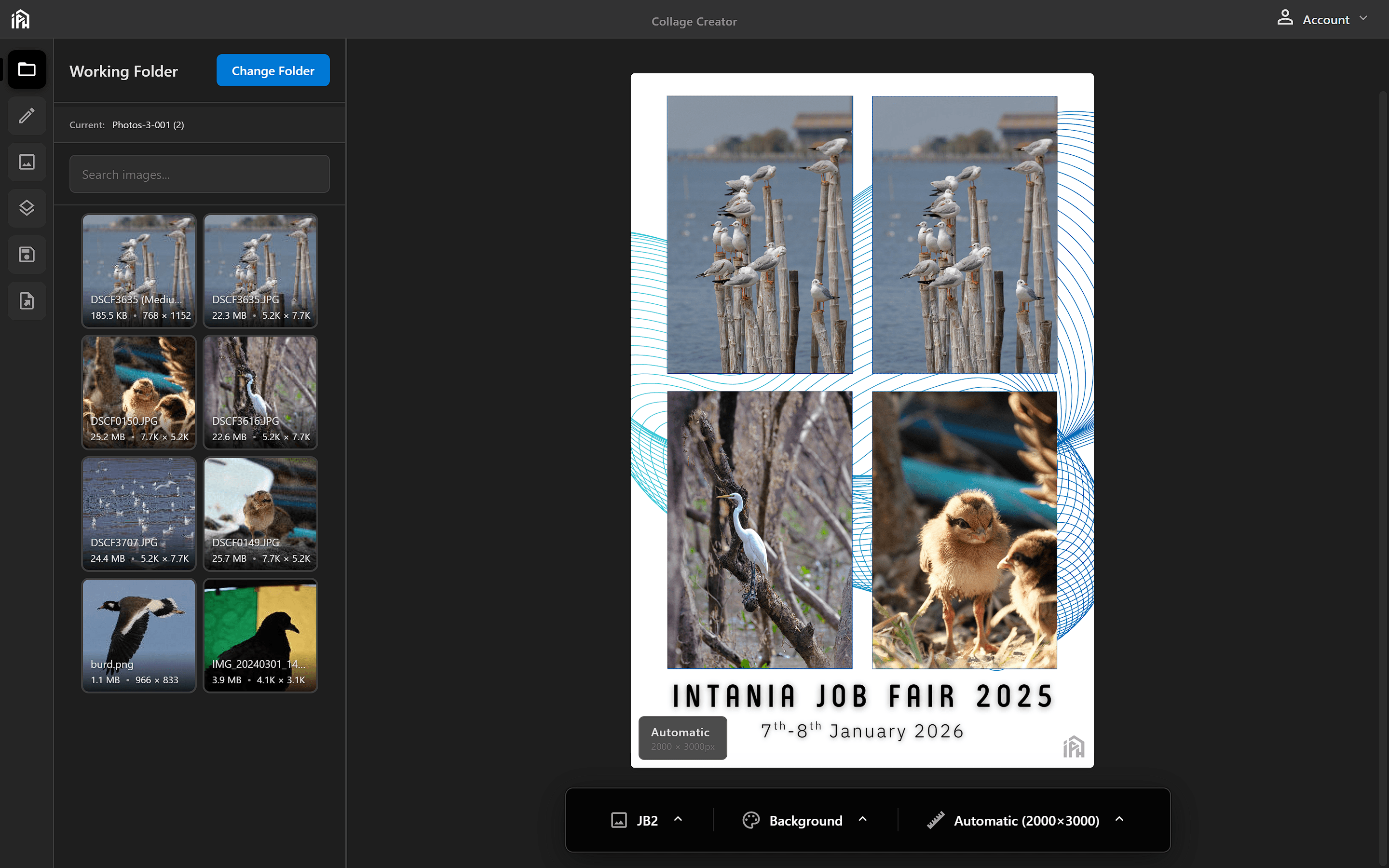
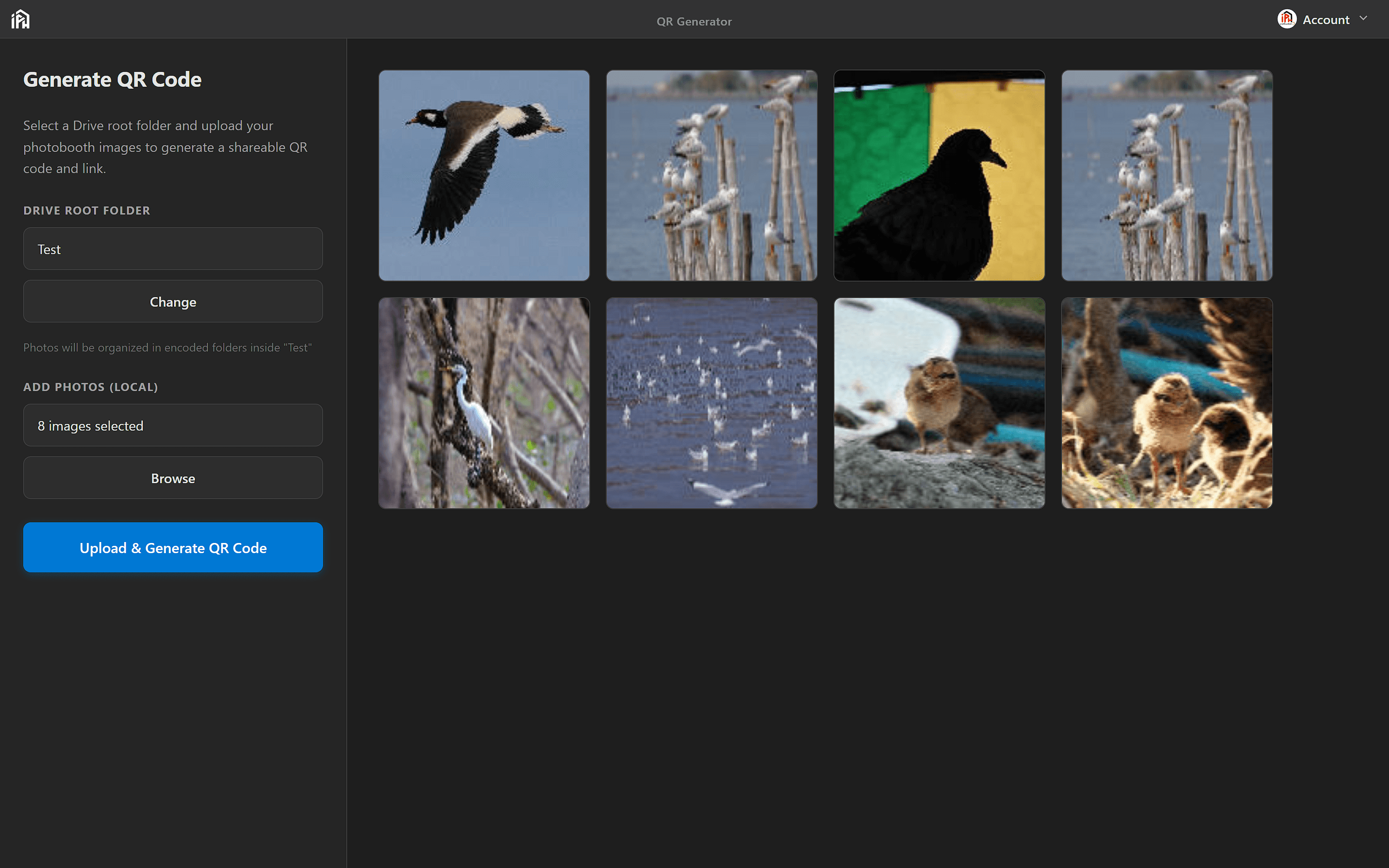
Capture memorable moments at events with live preview, photo collages, QR code sharing, and dedicated guest display.
Product modes
Full event workflow, from capture to delivery.
IPH Photobooth combines capture, collage design, guest display presentation, and delivery tools in one operator-focused desktop app.
Capture Mode
Photobooth
Run the live event workflow from camera connection through countdown, review, collage finalization, QR sharing, and guest display handoff.
Operator-first · Event-ready workflow
Built for live event operators
IPH Photobooth avoids the usual booth-software tradeoffs: no proprietary cloud lock-in, no forced app-only camera control, no restart-heavy workflow, and no single-screen compromise between operator tools and guest presentation.
Design Mode
Frame Creator
Build event-ready photo layouts with custom frames, backgrounds, overlays, reusable presets, and precision editing tools.
Frames · Backgrounds · Overlays
Custom event layouts
Build full event layouts instead of only choosing preset photo grids. Combine custom frames, backgrounds, and overlay elements in one workflow.
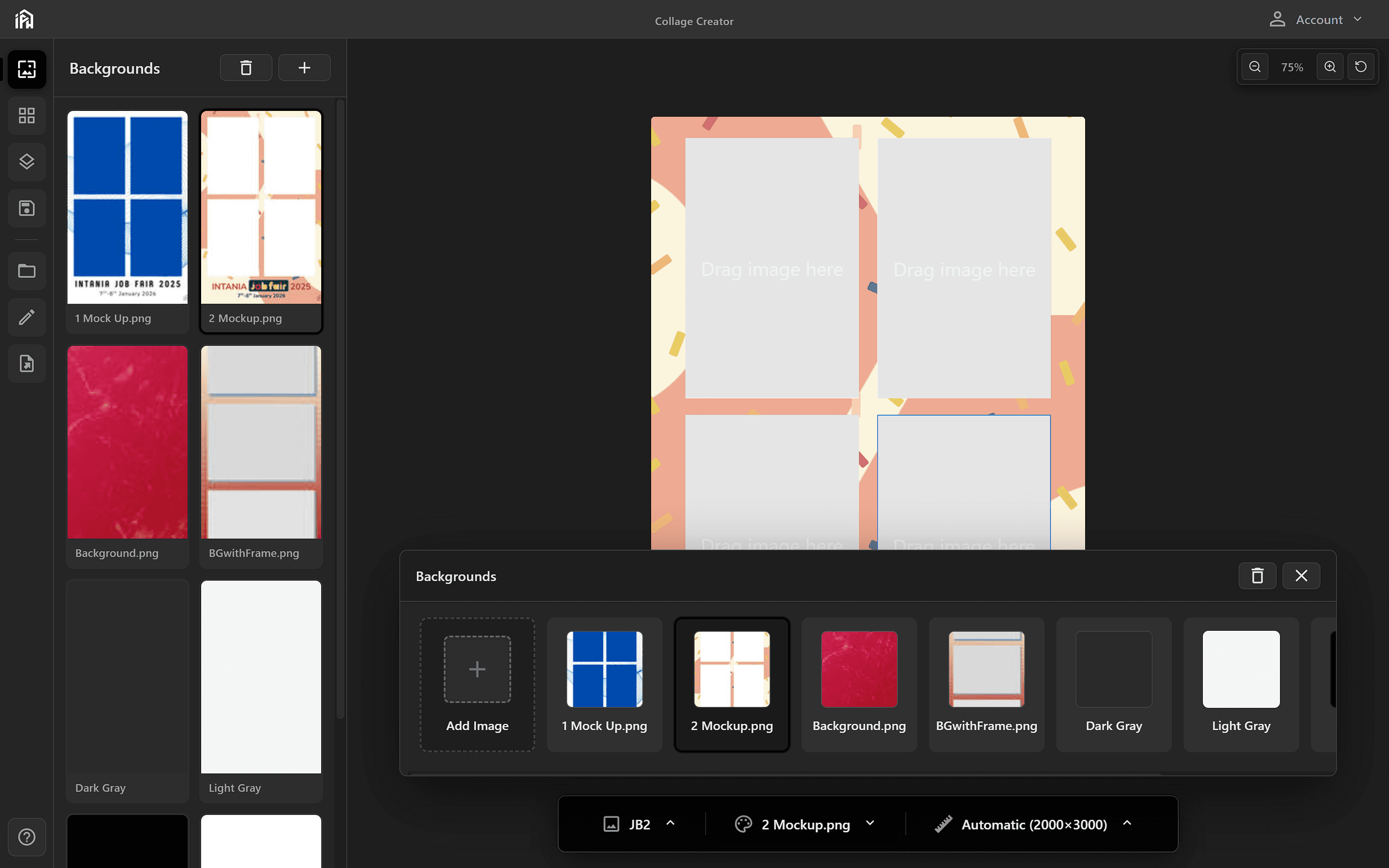
Second Screen Mode
Guest Display
Design and activate the second-screen finalize layout with collage, QR, text, images, GIFs, shapes, background controls, and portable layout files.
Aspect ratios · Backgrounds
Canvas and backgrounds
Set the display aspect ratio, background color, and background image before arranging the guest-facing finalize screen.
Also Included
Small operational details, built in.
Extra tools and conveniences that help the booth run smoothly during a real event.
Plug-and-play startup for event operators
Automatic camera detection
Full-screen immersive mode
Countdown timer for guests
Instant photo preview and retake flow
Custom event branding
One-tap photo sharing
Offline-friendly event operation
Simple controls built for speed
Philosophy
Made by photographers,
for photographers.
Photobooth software has always been an afterthought — clunky interfaces designed by developers who've never set foot at an event. We built IPH Photobooth from the other side of the lens.
Tethered shooting, done right
Every decision — from PTP mode detection to live preview latency — was made with working photographers in mind. Not hobbyists. Not demo setups.
Your gear, your workflow
Works with the cameras already in your bag. Fujifilm, Canon, Sony, and Nikon Z cameras. No proprietary hardware, no dongles.
Always improving, always listening
Built on real feedback from photographers in the field. Every release is shaped by the people who use it — at actual events, with actual clients.
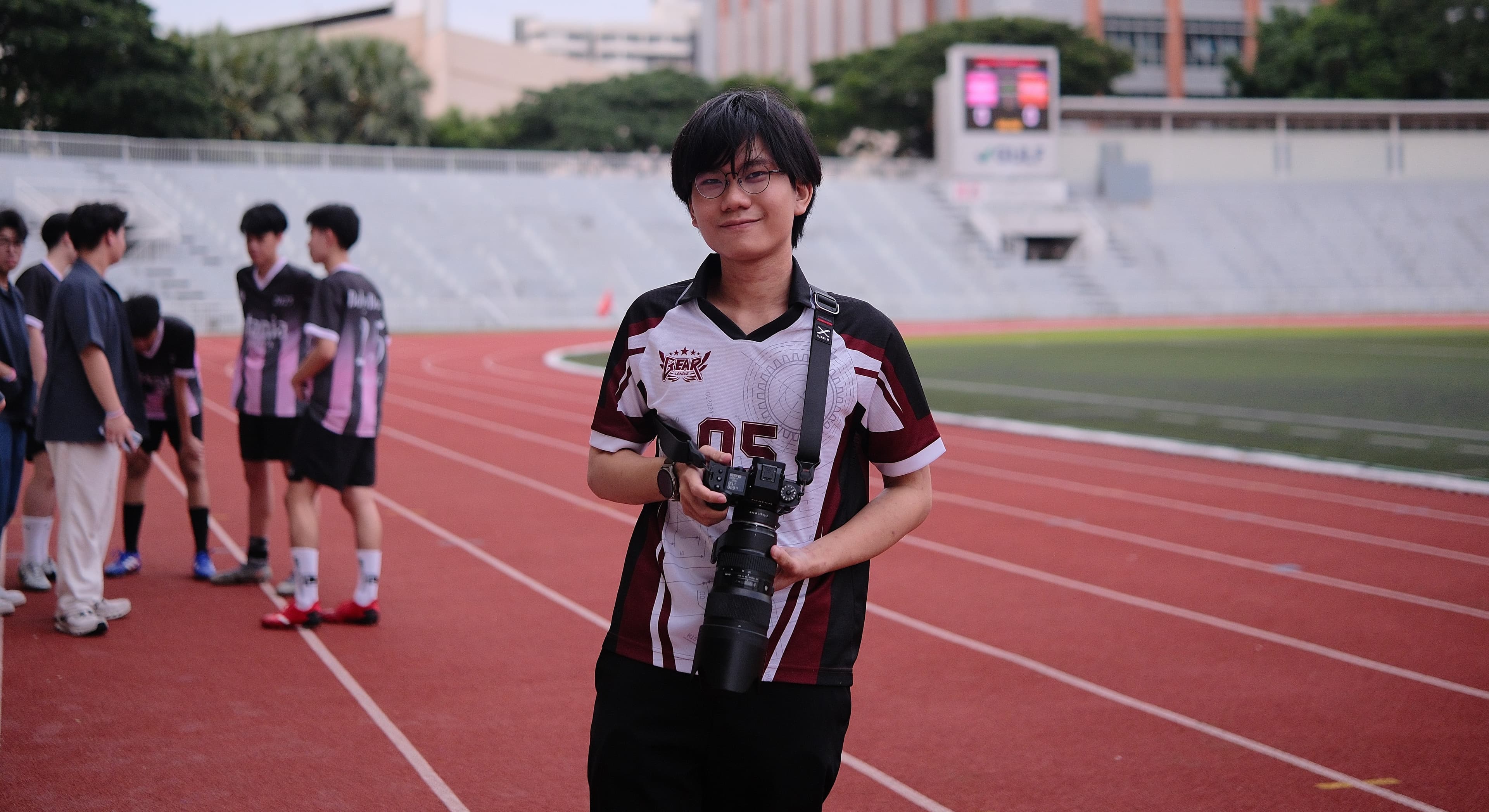
About the Developer
Hello, I'm Ham, the Developer of Photobooth-IPH
I'm a Computer Engineering student, photographer, and core team member at Intania Production House.
I'm currently in my second year at Chulalongkorn University faculty of Computer Engineering (CEDT), and outside of lectures I'm part of Intania Production House as a producer and staff member, and a core team member of the CU Photography Club — so I spend a lot of time at events, on both sides of the camera.
I built IPH Photobooth because I needed it. Not as a side project, not as a hypothetical — but as something my team would actually depend on at real events, with real clients watching.
The tethered shooting, the collage editor, the instant QR sharing — every feature came from a real problem I encountered in the field.
I'm the one setting up the booth, troubleshooting on the spot, and handing guests their photos at the end of the night. That's what keeps this software honest.
1000+
Photos captured
10+
Events delivered
Zero
Compromised shoots
Proven in the field
Battle-tested at real events.
IPH Photobooth isn't a concept — it's the tool our own production house, Intania Production House, deploys at live events. Every feature exists because we needed it ourselves.
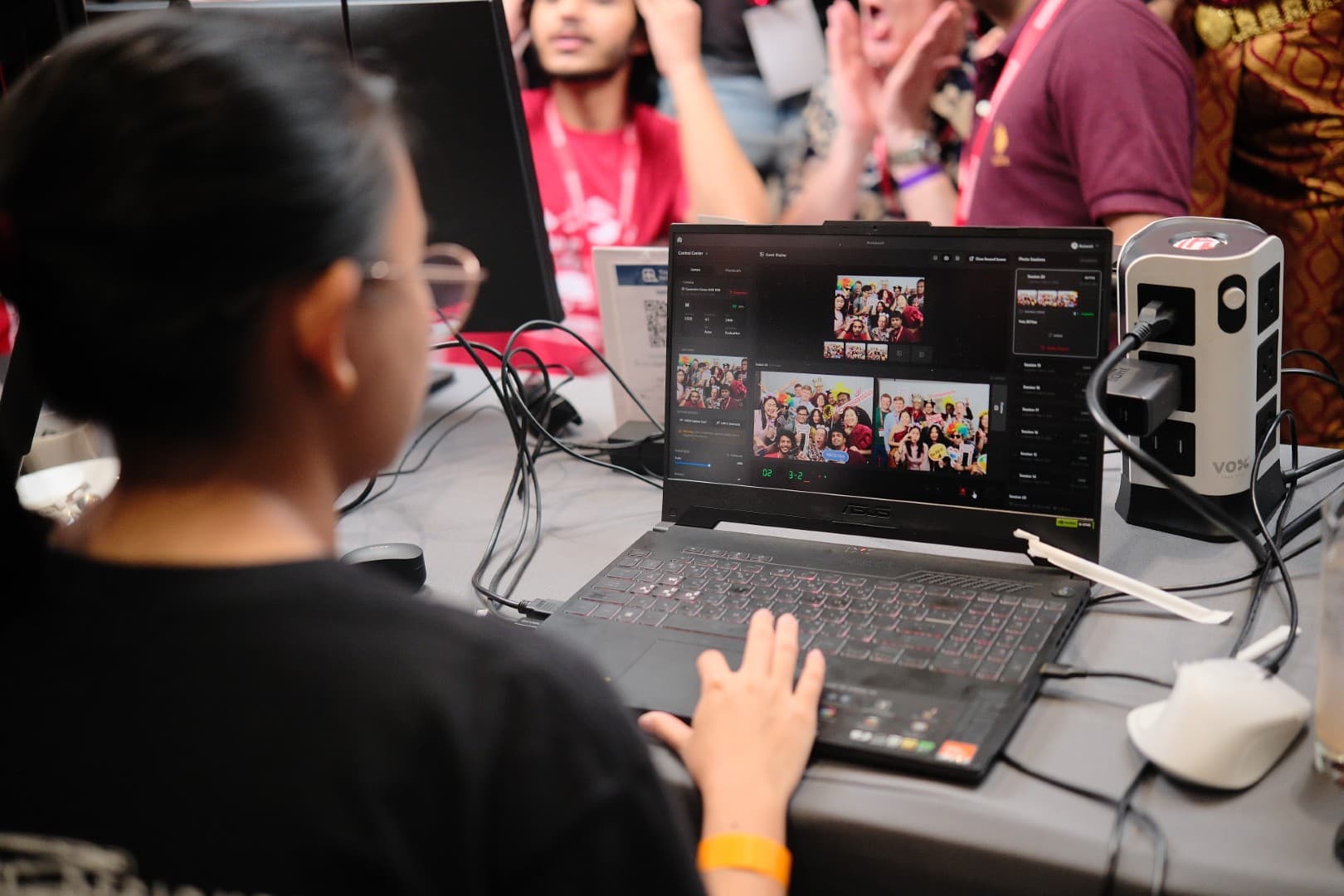
 Output
FOSSASIA Summit
Open-source technology conference drawing thousands of attendees from across Asia.
Intania Production House
The production house behind IPH Photobooth
Desktop installer
Download IPH Photobooth
Install the latest Windows build and prepare a booth workstation for live event operation.
Windows Installer
Windows 10/11 (64-bit)
Includes a 30-day free trial. No credit card required.
System Requirements
- OS: Windows 10 or 11 (64-bit)
- RAM: 4 GB recommended (1 GB minimum)
- Storage: 200 MB for application, more for photos
- Camera: PTP-compatible USB camera
- VirtualBox: Required (included in installer)
Need help or have questions?
Read the documentationBuilt with Modern Technology
IPH Photobooth is built with cutting-edge technologies for reliability, performance, and security.
Frontend
Backend
Camera Integration
Virtualization
Want to learn more? Check out our technical documentation.