Collage Creator
Design custom photo layouts by combining canvases, frames, backgrounds, and overlays into reusable sets for your photobooth sessions.
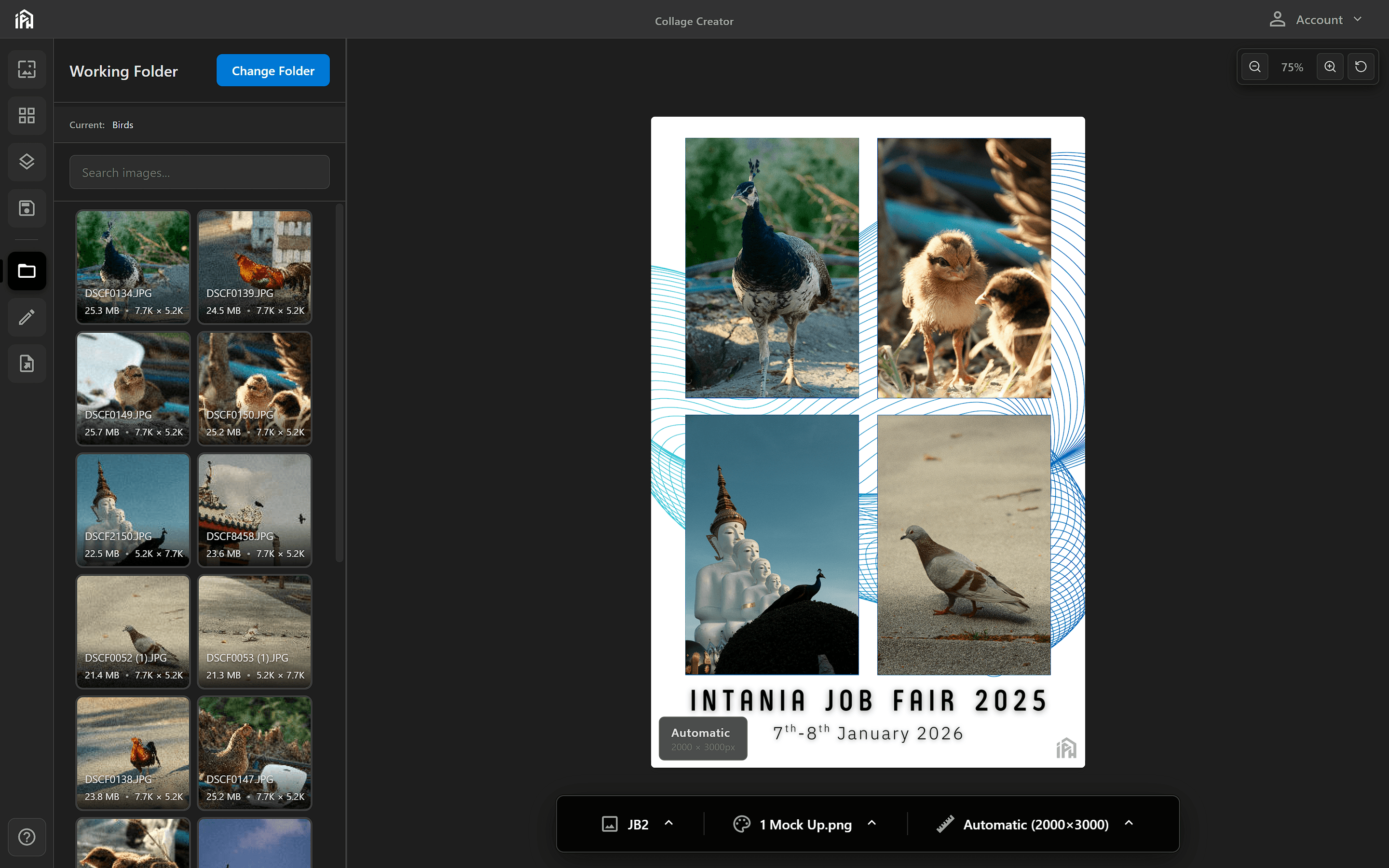
The Collage Creator workspace — browse photos on the left, design your collage in the center, and use the bottom toolbar to switch sets, backgrounds, and canvas sizes.
Understanding Sets
A set is a reusable template that defines how photos are arranged during a photobooth session. Each set is made up of three layers:
The base size and dimensions of your layout. This determines the final output resolution.
Photo cutout zones placed on the canvas. Each frame defines where a guest photo will appear. You can use multiple shapes and sizes.
PNG images layered above or below the frames. Use these for branding, decorations, borders, or event themes.
Layer Order (top to bottom)
In this section
Quick Start
A quick overview of the Collage Creator workflow and all available tabs.
Setting Up the Canvas
Choose the output size and aspect ratio of your collage.
Adding Backgrounds
Set the background image that fills the canvas behind your frames.
Adding Frames
Create and position photo cutout zones on the canvas.
Adding Overlays
Layer PNG decorations above or below your photo frames.
Saving & Using Sets
Save your layout as a named set and start your photobooth session.
Additional Tabs
Reference for the Working Folder, Edit, and Export panels.