Setting Up
Delay Settings
OptionalControl the pacing of each photobooth round — how many shots are taken, how long guests have to prepare, and how long each photo is shown before the next countdown.
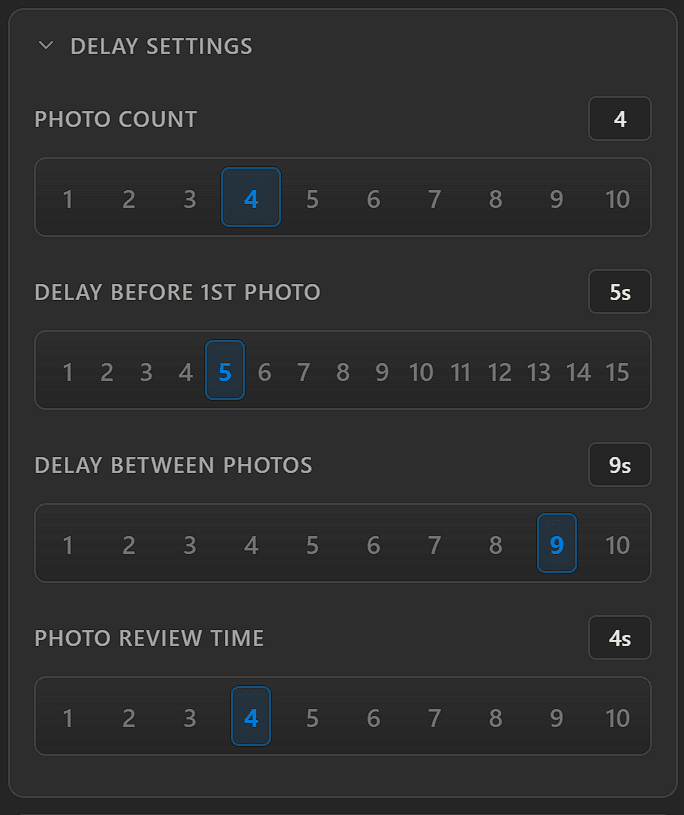
The Delay Settings panel — each control uses a numbered selector.
Delay Types
Photo Count
1 – 10How many individual shots are taken per round. This should match the number of frames in your collage set.
Delay Before 1st Photo
1 – 15 secondsThe countdown displayed before the first capture in a round. Gives guests time to get into position.
Delay Between Photos
1 – 10 secondsThe pause between each shot in a multi-photo round. Allows guests to reset their pose.
Photo Review Time
1 – 10 secondsHow long each captured photo is shown on screen before the next countdown begins.