GIF Generation
OptionalAutomatically create an animated GIF, MP4, or both from your session photos when the operator advances to the Finalize screen.
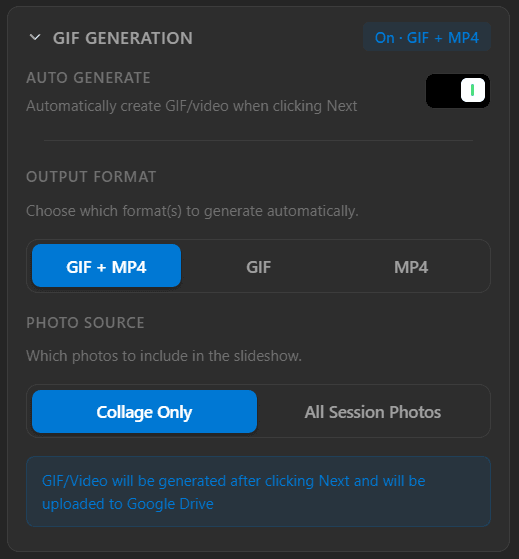
The GIF Generation panel — toggle auto generate, pick an output format, and choose which photos to include.
Auto Generate
When enabled, a GIF and/or MP4 is automatically created each time the operator clicks Next and transitions to the Finalize page. Disable this to skip generation entirely.
Output Format
GIF + MP4Generates both an animated GIF and an MP4 video — the default.
GIFGenerates only an animated GIF.
MP4Generates only an MP4 video.
Photo Source
Collage OnlyUses only the finished collage images as frames in the slideshow.
All Session PhotosUses every photo captured during the session, including individual shots.
GIF and video files are generated when the operator presses Next and will be uploaded to Google Drive automatically if QR Settings is enabled.