Select Set
RequiredA set is the collage template for your session — it defines how many photo zones are captured per round and how they are arranged in the final output. You must load one before the photobooth can start.
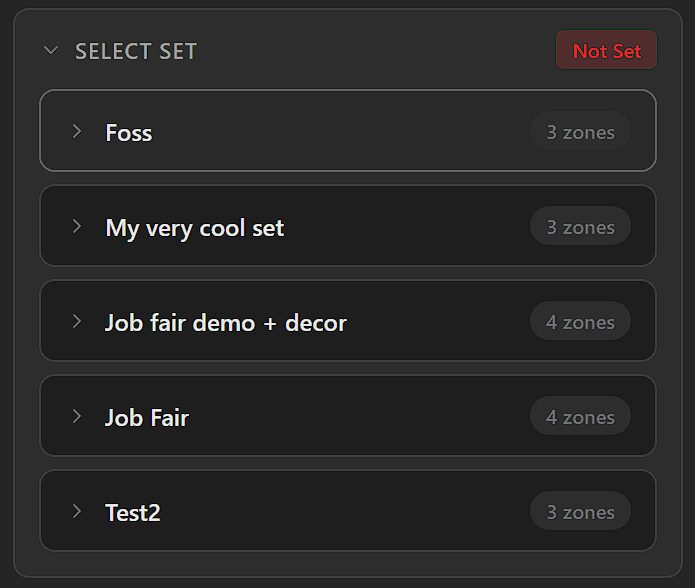
All saved sets listed with zone count. <strong>Not Set</strong> badge until one is loaded.
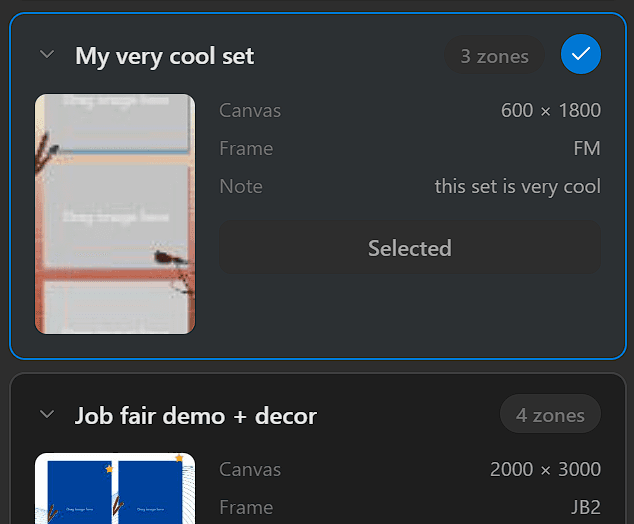
The active set shows a blue checkmark and <strong>Selected</strong>. Click <strong>Use This Set</strong> on another to switch.
Click the › arrow on any set to expand it, then click Use This Set to load it for your session.
Once loaded
After loading a set, the session gallery reflects the number of photo zones defined by that set. To advance to the next step, select exactly the same number of images as there are zones in the set.
Photos can be captured without a valid set loaded, but image selection will be disabled and the Finalize screen cannot be reached until a set is loaded.
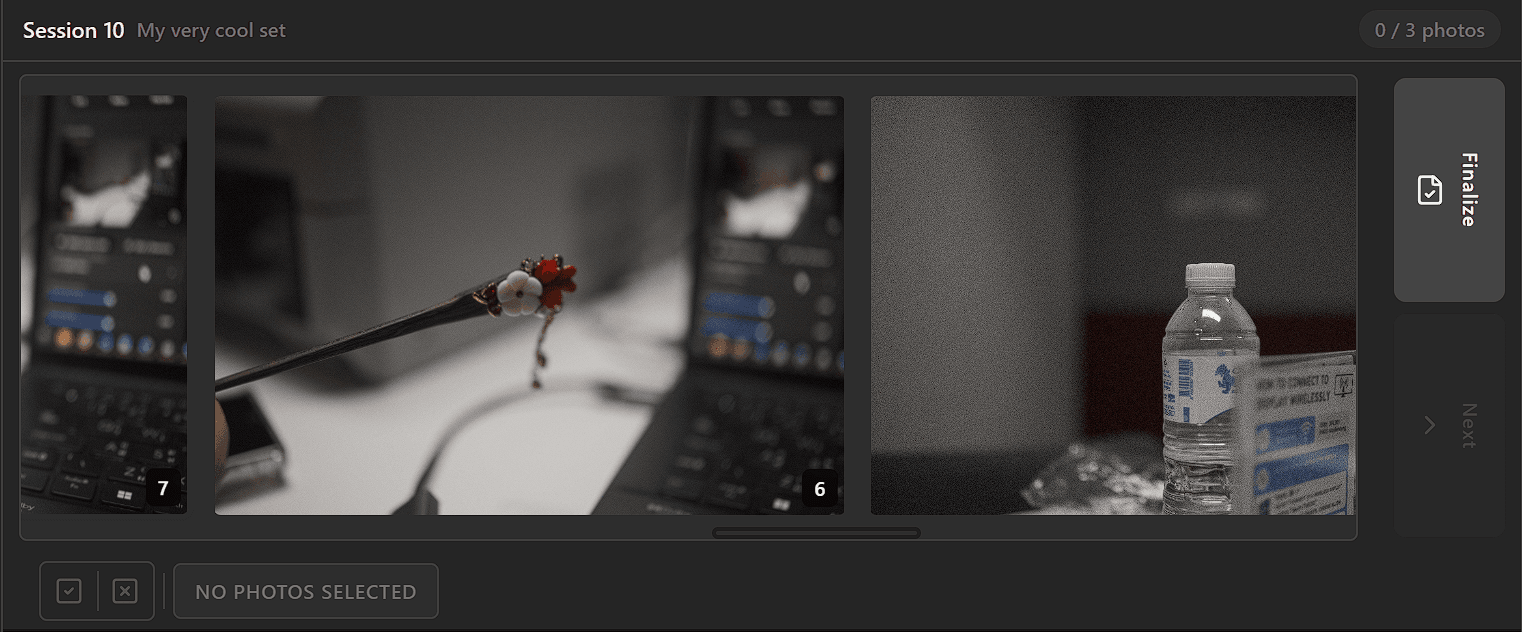
Session gallery with <strong>My very cool set</strong> loaded — 3 zones active, ready to capture.